The best website builder for photographers in 2026 is not the one with the prettiest template. It is the one that fits how your studio gets inquiries, follows up, books sessions, and measures revenue. For established studios, our top recommendation is a managed custom React/Next.js website from Photography to Profits. Showit is our favorite visual DIY option, Squarespace is the easiest polished starter, Pixieset is strongest when galleries drive the decision, and WordPress remains a flexible content platform when you have someone to maintain it.
Photography to Profits builds and markets photographer websites, so we have a clear point of view. We improve sites on Showit, Squarespace, Wix, WordPress, and other platforms, and we connect websites to CRMs such as HighLevel. This guide explains where each option genuinely wins, where it becomes limiting, what it currently costs, and what a conversion-focused photography business should evaluate before choosing. Pricing and vendor claims were checked against the official pages linked below on July 17, 2026.
The short answer
- Best managed growth website: Photography to Profits Custom React/Next.js Build.
- Best visual DIY builder: Showit.
- Best simple all-in-one starter: Squarespace.
- Best gallery-first ecosystem: Pixieset.
- Best open content platform: WordPress, if you will maintain it properly.
#1: Photography to Profits Custom React/Next.js Build
A Photography to Profits Custom Build is a managed website and conversion system built with React and Next.js. You are not buying a blank codebase and being told to become a developer. We design, build, connect, measure, and maintain the website around the way your studio actually sells.
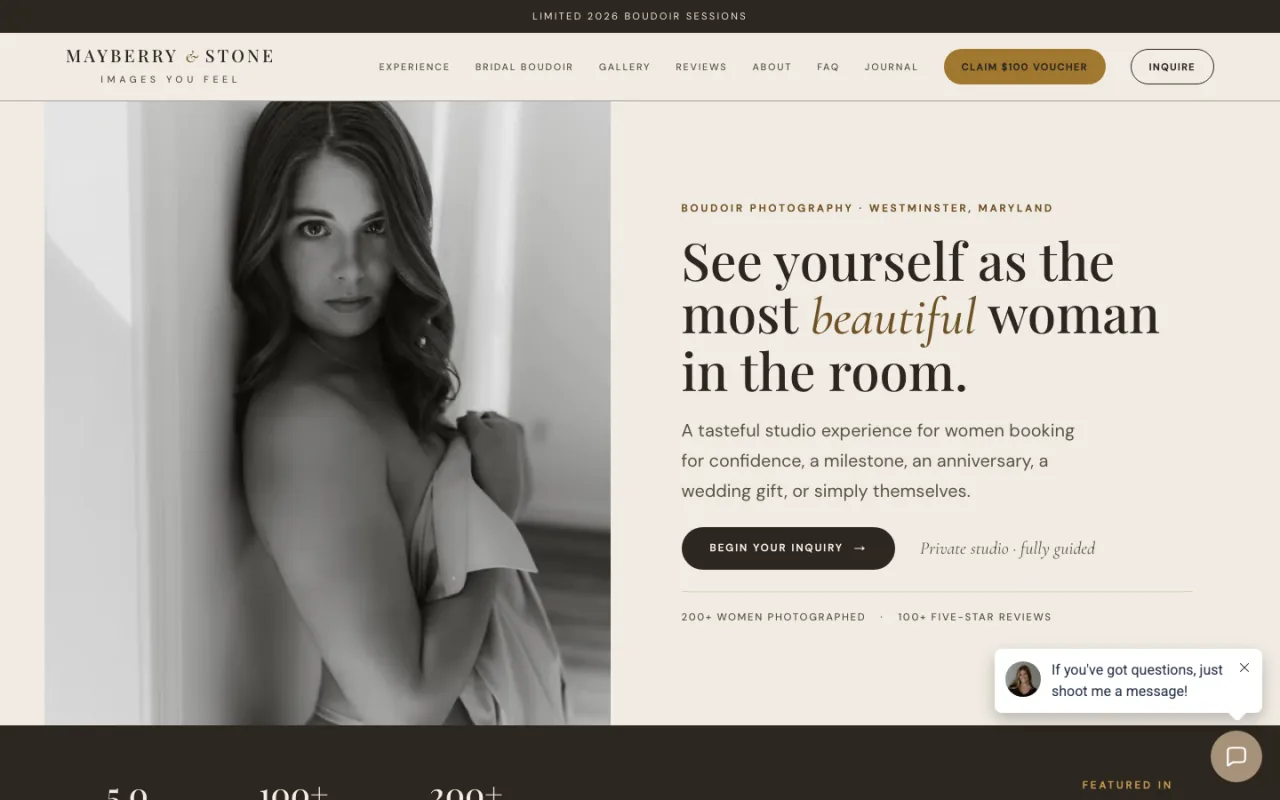
Three live custom photographer websites built by P2P
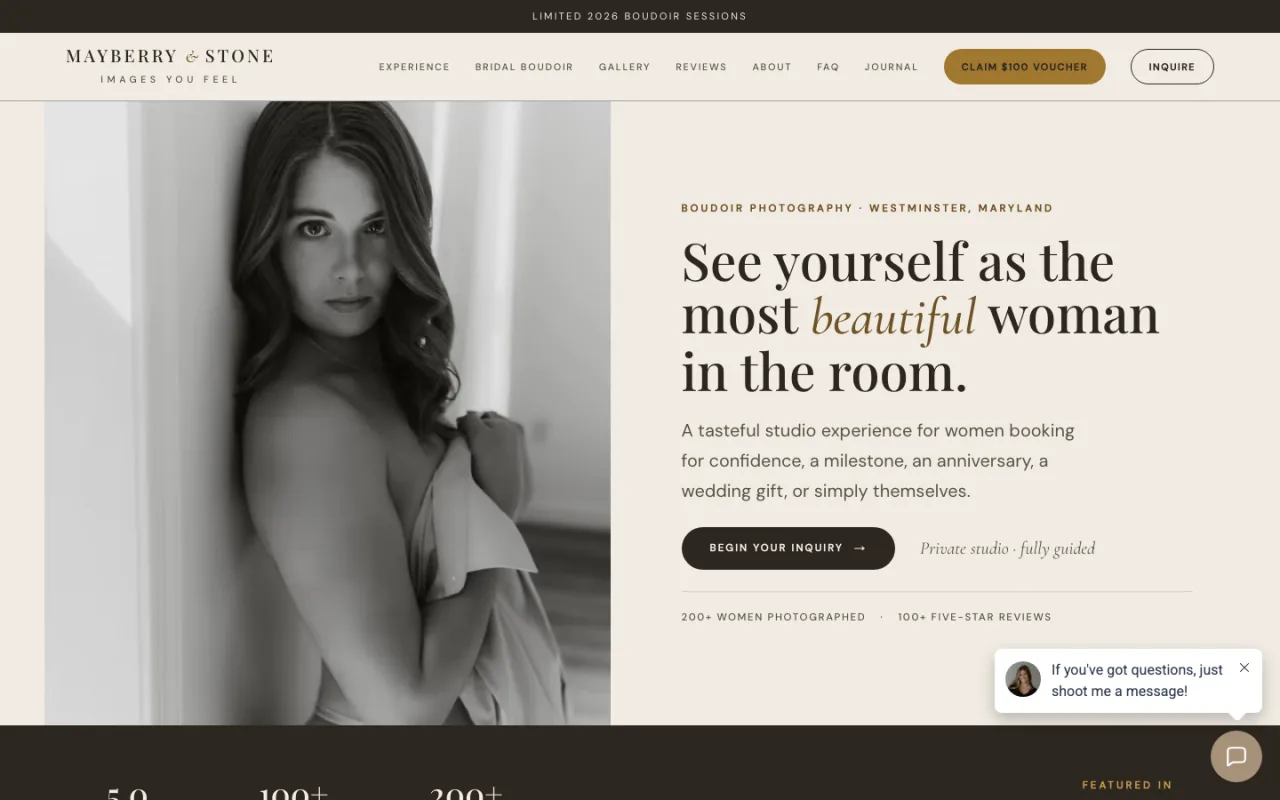
Mayberry & Stone
Custom Next.js homepage built by P2P, with a branded editorial experience and conversion path designed for the studio.
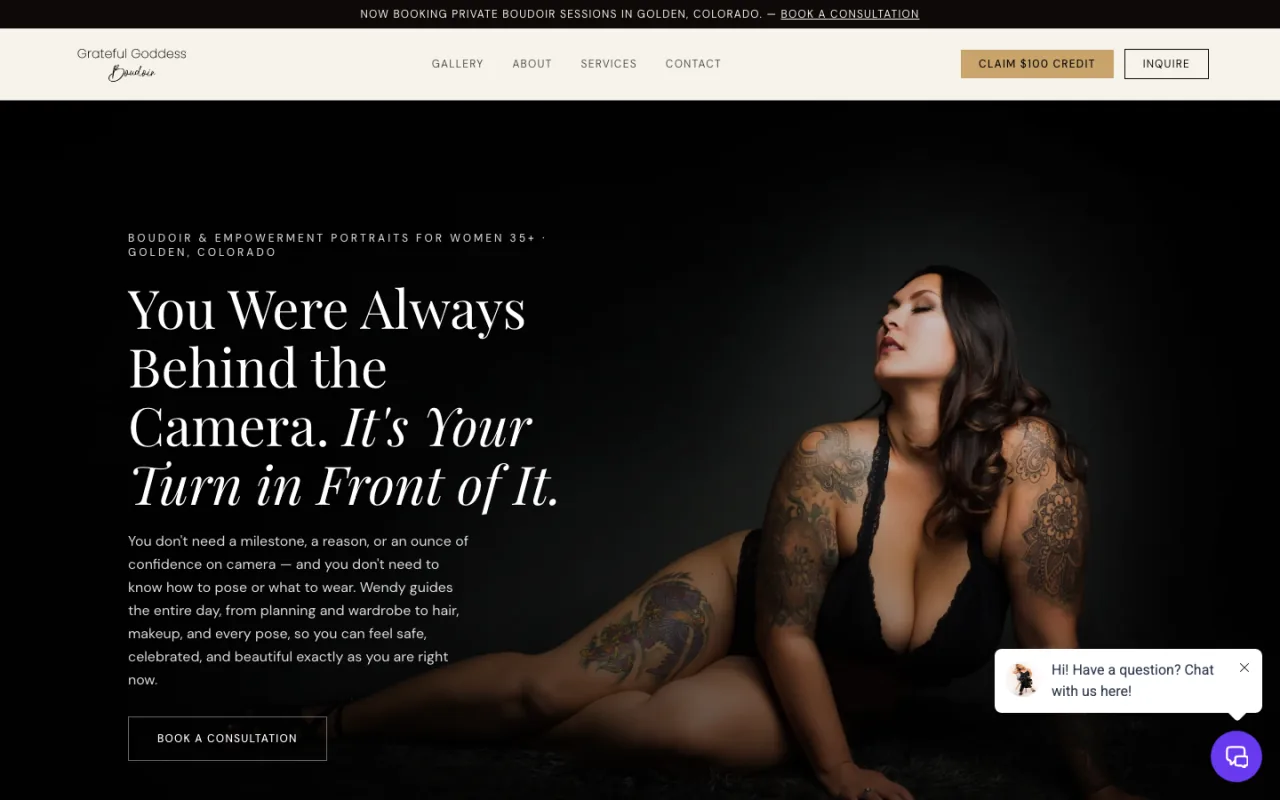
Grateful Goddess Boudoir
Custom React/Next.js build by P2P that carries a distinct visual identity without forcing the studio into a stock template.
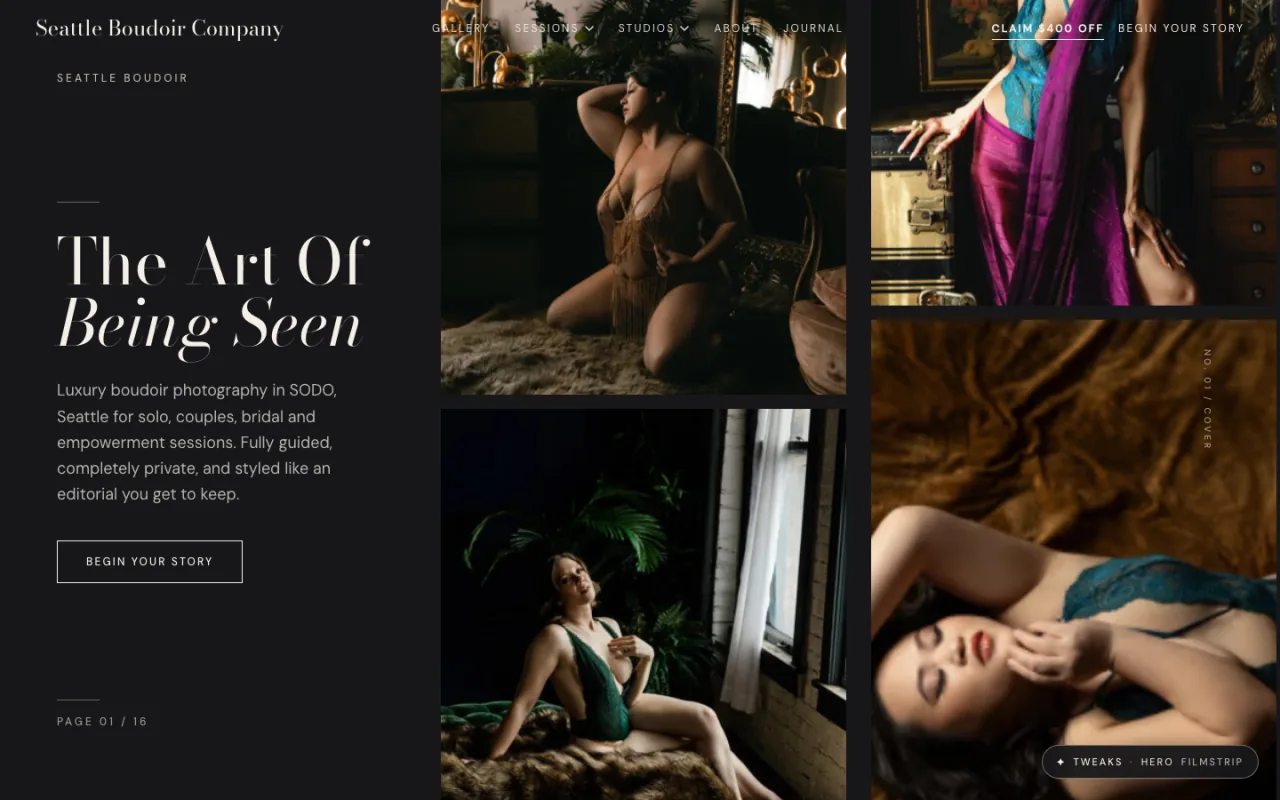
Seattle Boudoir Company
P2P’s production Next.js build for Seattle Boudoir Company. The public branded domain still points to its previous Squarespace site.
Another custom React website worth studying
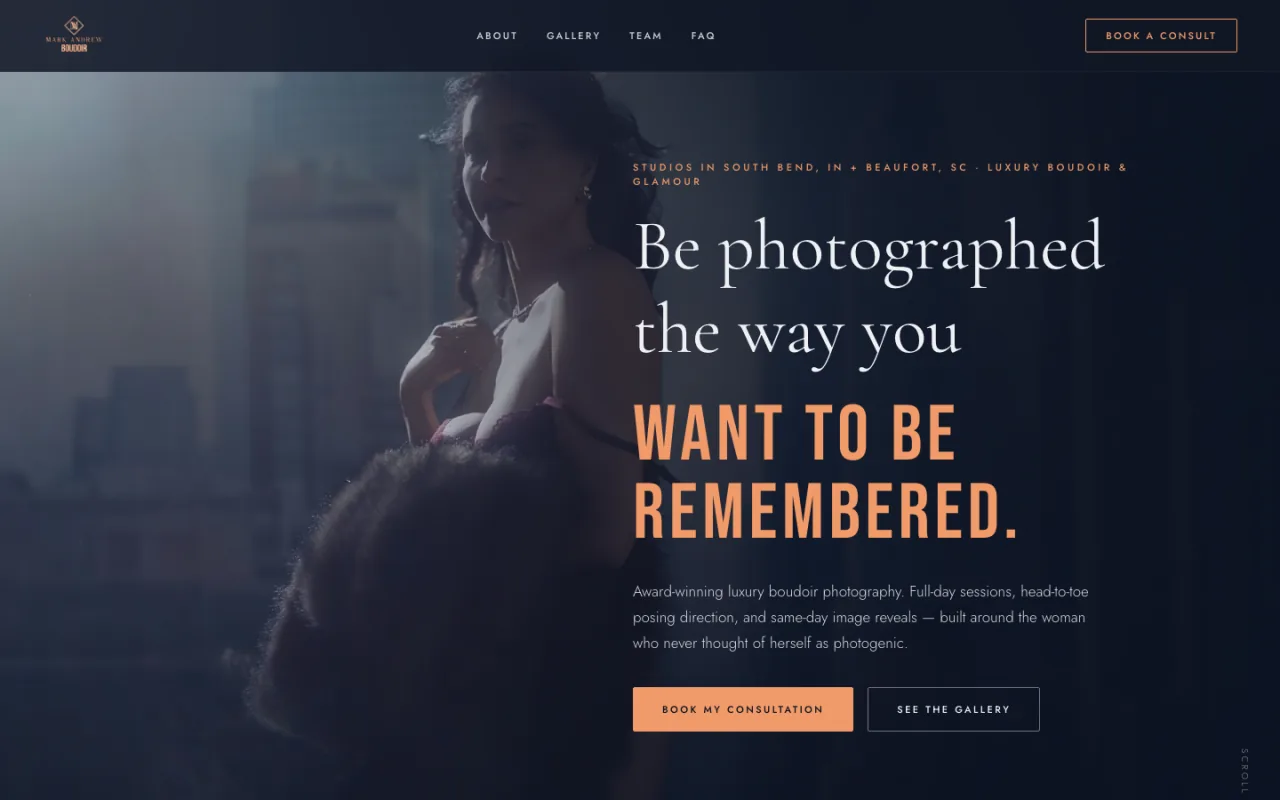
Mark Andrew Boudoir moved from Showit to its own custom React website, now served on Vercel. It was not built by P2P; we are featuring it because it is a useful real-world example of a photographer choosing custom React beyond our own builds.
The difference is simple: a hosted builder gives you whatever its product team has shipped. A custom build gives your business a development path. If the studio needs a new quiz, location hub, lead magnet, booking funnel, internal dashboard, direct CRM connection, reporting view, or first-party tracking event, the question becomes “Should we build this?” instead of “Does our template platform allow this?”
See the range before you choose a platform
We build new custom systems and improve studios on the platform they already own. View our photography website portfolio or see how our conversion-focused website design works.
Why a custom React/Next.js build can outperform a page builder operationally
- Conversion-first architecture: the homepage, service pages, landing pages, forms, proof, and follow-up path can be designed around inquiries and bookings, not merely around displaying a portfolio.
- Reusable pages and funnels: once the approved page, form, tracking, and thank-you primitives exist, a developer can duplicate and adapt a funnel in minutes instead of rebuilding every block and connection by hand.
- AI-assisted development in the source: Codex or Claude Code can help a developer create pages, update copy, connect existing components, and review a real code diff. You avoid the slow loop of asking an AI for instructions and then dragging every answer into a visual editor.
- Direct API connections: a custom team can connect the website to GoHighLevel, a calendar, a quiz, an email tool, an internal data flow, or another supported API. That can remove unnecessary Zapier steps where a secure direct integration is the better design.
- Better telemetry: the site can define first-party events and outcomes, then route approved signals through Google Tag Manager, server-side tracking, and reporting instead of hoping several disconnected dashboards agree.
- Internal reporting: custom operator views can surface leads, source data, form outcomes, scans, content performance, and delivery errors when the business case justifies them.
- SEO and AEO control: the team controls server-rendered content, information architecture, metadata, schema, internal links, crawlable resources, and machine-readable endpoints. Those capabilities create a strong foundation, but they do not guarantee rankings.
- No generic product-roadmap ceiling: new capabilities can be scoped and built without waiting for a hosted platform team to prioritize the feature.
That freedom still requires judgment. New APIs can have fees, approval processes, rate limits, or security constraints. A custom build also needs professional maintenance, testing, hosting, and ownership discipline. It is the best long-term option for a studio with a proven offer and a real growth program, not automatically the cheapest option for a photographer who only needs five portfolio pages.
Photography Website Builder Comparison
Use this table as a job-to-be-done filter, not as a universal scorecard. The “best” choice changes depending on whether the website’s main job is generating inquiries, giving you visual DIY control, publishing content, delivering galleries, or running a CRM-centered funnel.
| Platform | Best for | Current starting point | Main limitation |
|---|---|---|---|
| P2P Custom React/Next.js | Managed growth, funnels, integrations, measurement | Custom scope | Higher investment and professional maintenance |
| Showit | Visual DIY freedom | $22/mo annual equivalent | Hosted-platform feature boundaries |
| Squarespace | Fast polished starter site | $19/mo annual equivalent | Less control for unusual workflows |
| Wix | Broad DIY feature set | $17/mo annual equivalent | Complexity can grow with the site |
| WordPress | Open content ecosystem | Software is free; stack costs vary | Maintenance, plugins, security |
| Webflow | Designer-led structured sites | Free; paid site plans from $15/mo annual | Steeper learning curve |
| PhotoBiz | Photographer all-in-one support | $29/mo | Smaller ecosystem than general platforms |
| Pixieset | Gallery-first website ecosystem | Free; paid from $12/mo annual | Marketing customization is secondary |
| Format | Simple portfolio publishing | $10/mo annual | Limited growth-system depth |
| Pixpa | Budget portfolio all-in-one | List pricing from $9/mo | Check promo renewals carefully |
| HighLevel | CRM and automation behind a separate site | $97/mo | Weak choice for a premium public website |
Best Visual DIY Website Builders for Photographers
Showit: best for art-directed DIY design
Showit is our strongest recommendation for photographers who want to remain hands-on with design. Its freeform canvas makes it easier to create an editorial, image-led site without coding, and the separate desktop and mobile controls can be useful when the art direction matters more than rigid layout rules.

Showit’s official homepage, captured July 17, 2026. Annual plans were listed at $22/mo for a website, $27/mo with a basic blog, and $39/mo with an advanced blog; monthly billing was $27, $34, and $49. Verify current Showit pricing.
Where it wins: creative layout freedom, a photographer-friendly community, a strong template market, and WordPress blogging on the blog plans. Where it can limit growth: you still live inside Showit’s publishing, form, integration, and performance model. A custom data flow, internal dashboard, or unusual application feature may require another tool or a separate build.
Live Showit inspiration from P2P client work
These are live platform examples from studios P2P has worked with; we are not claiming P2P built every original page of these sites. They show how different the same platform can look when the brand and photography are strong.
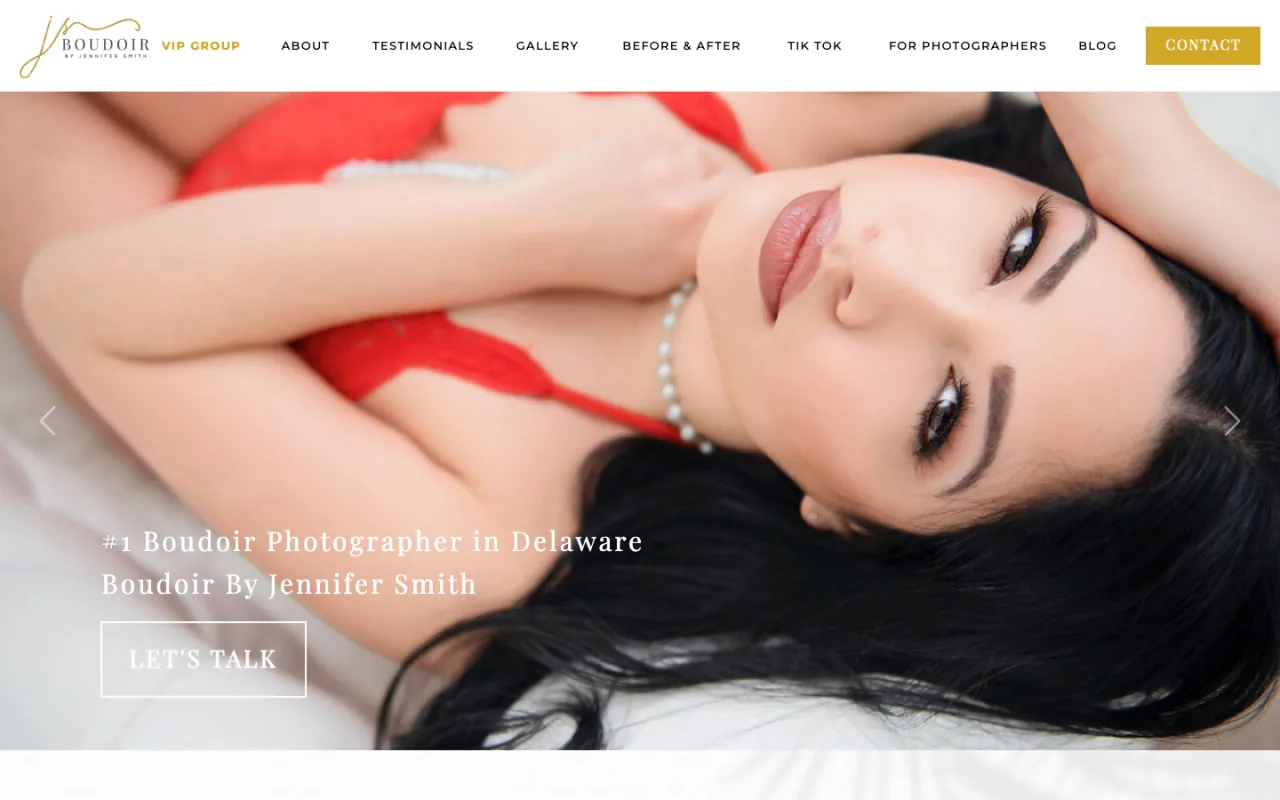
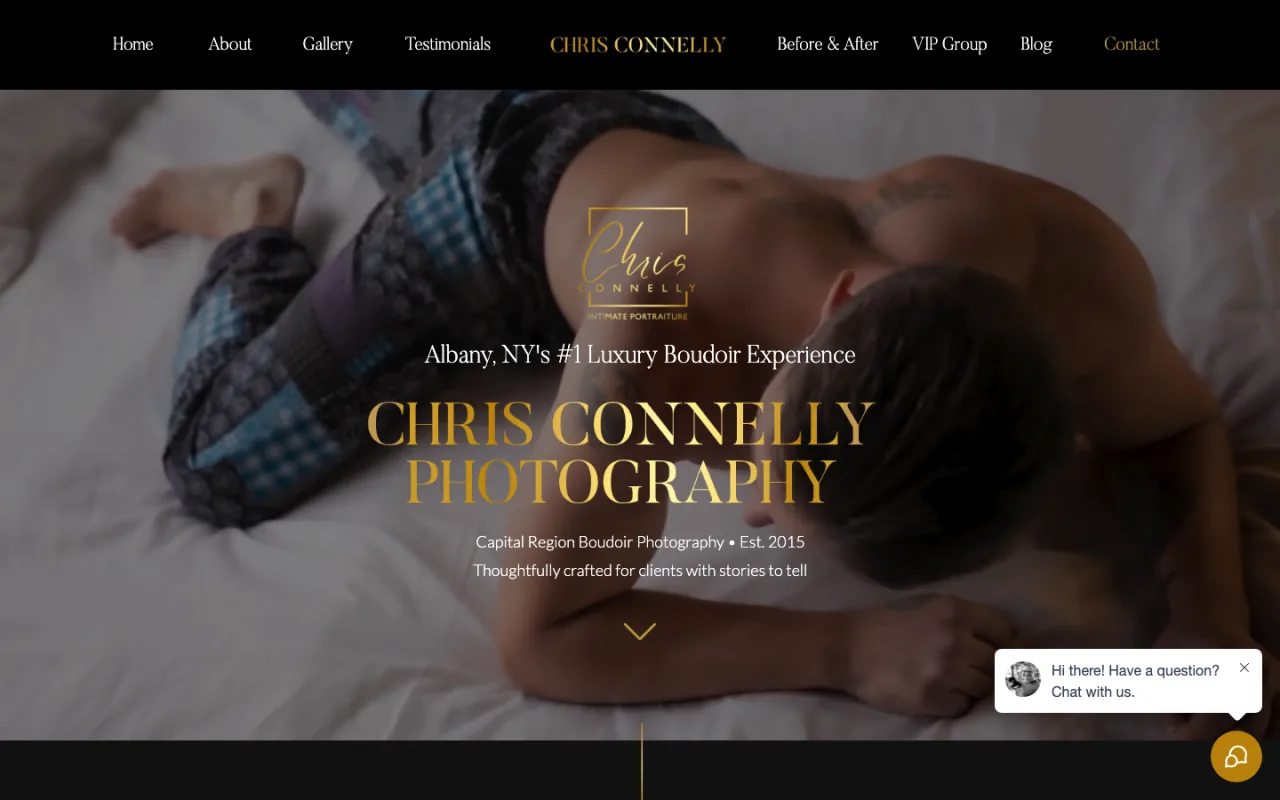
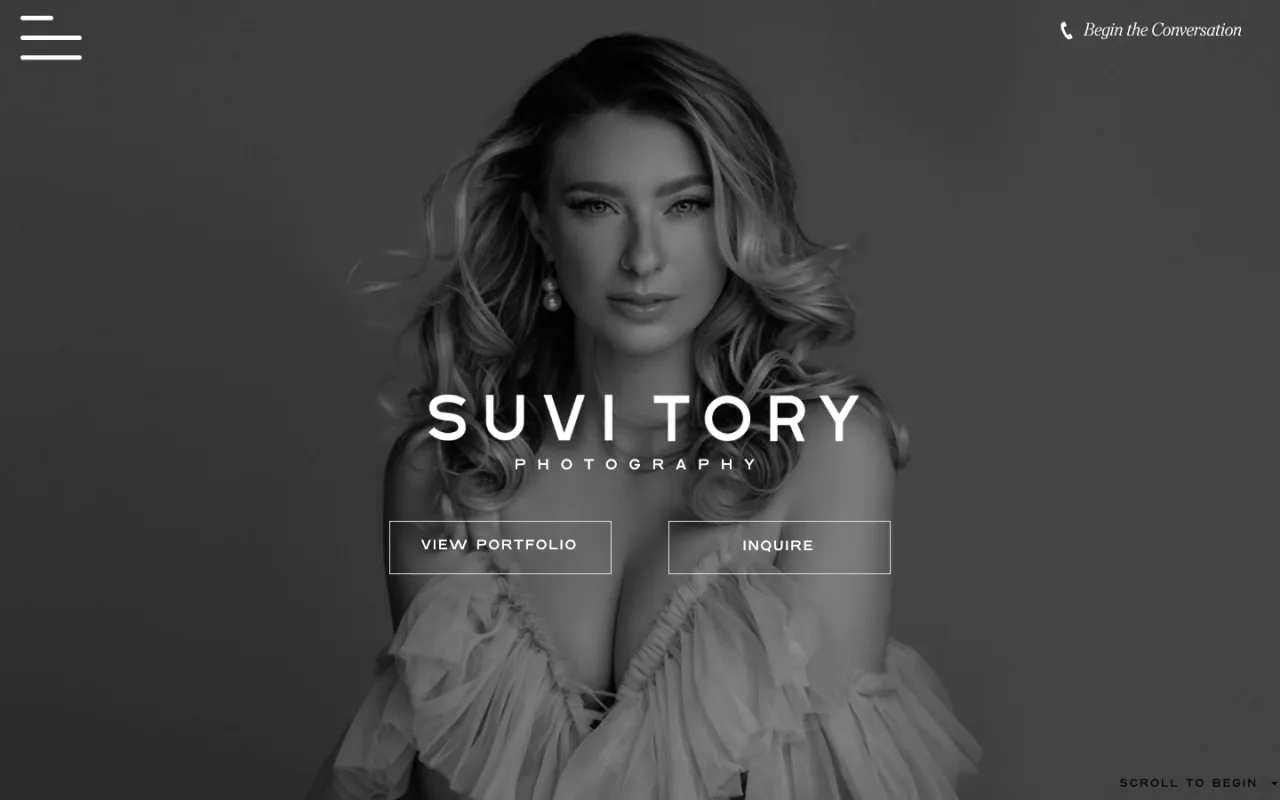
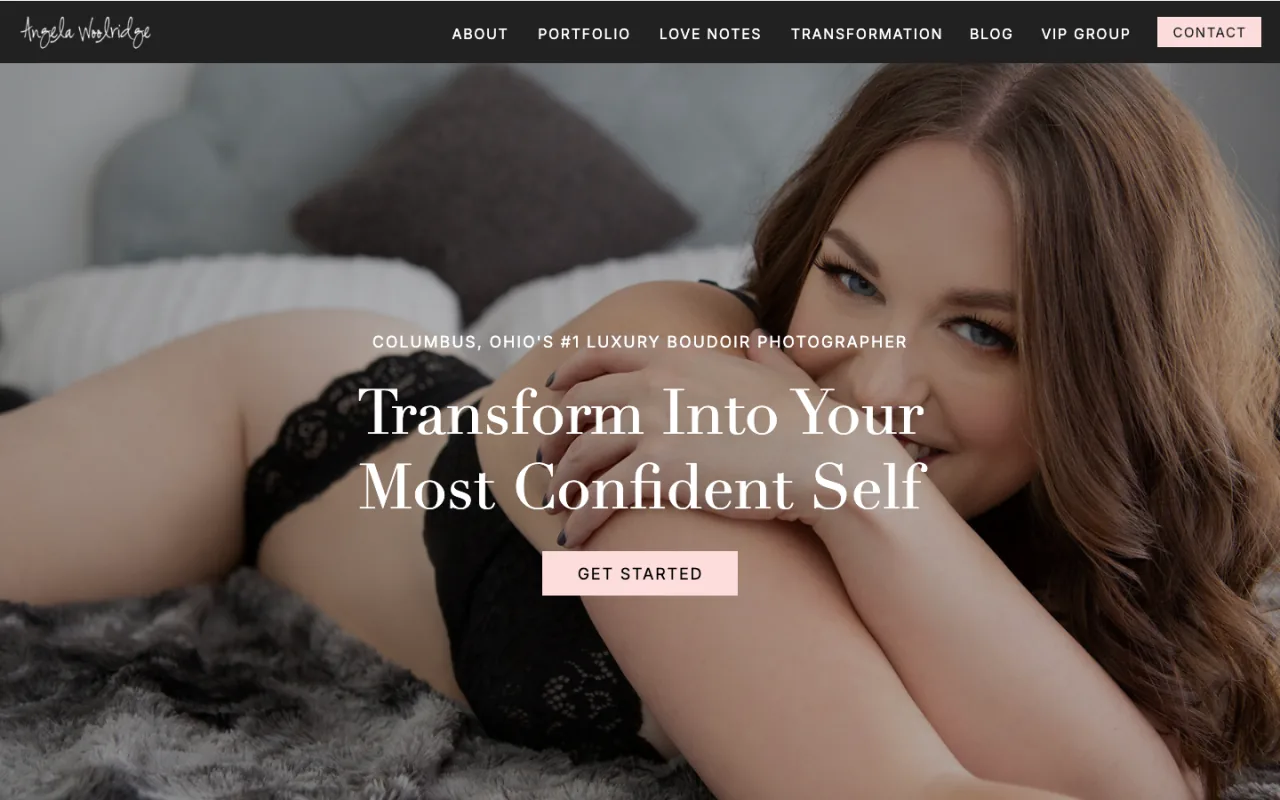
Angela Woolridge
Confirmed as a Showit front end with WordPress providing the blog/content layer, not a pure WordPress build.
Squarespace: best polished starter
Squarespace is the easiest recommendation for a photographer who wants a credible website quickly and does not want to assemble hosting, themes, plugins, and maintenance. Its strongest advantage is coherence: templates, hosting, pages, basic commerce, scheduling options, and support live in one ecosystem.
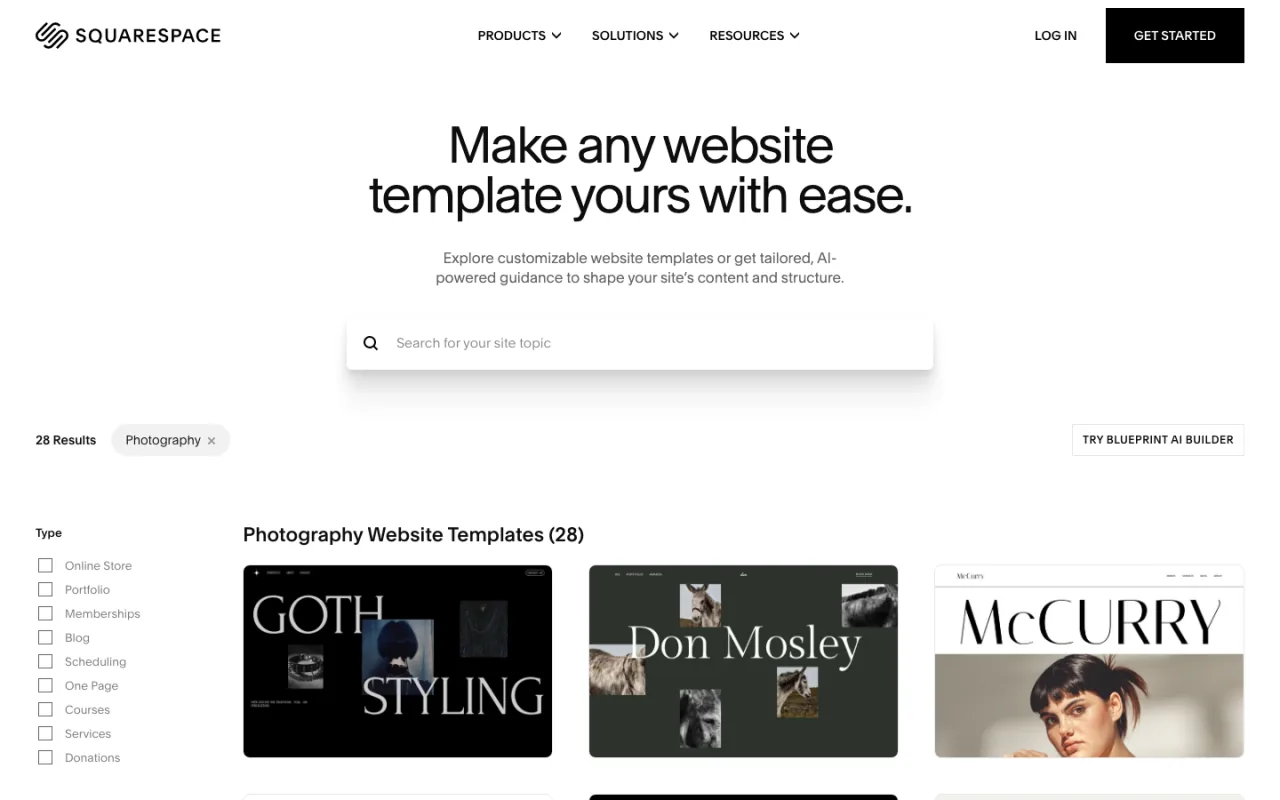
Squarespace’s official photography template gallery, captured July 17, 2026. Annual-billing monthly equivalents were $19 Basic, $29 Core, $49 Plus, and $99 Advanced. Verify current Squarespace plans.
Where it wins: a fast launch, cohesive templates, low operational overhead, and enough commerce for many starter studios. Where it becomes limiting: custom workflows must fit the controls and extensions Squarespace exposes. That is fine for a brochure site; it is frustrating when the website becomes a changing marketing system.
Live Squarespace inspiration from P2P client work
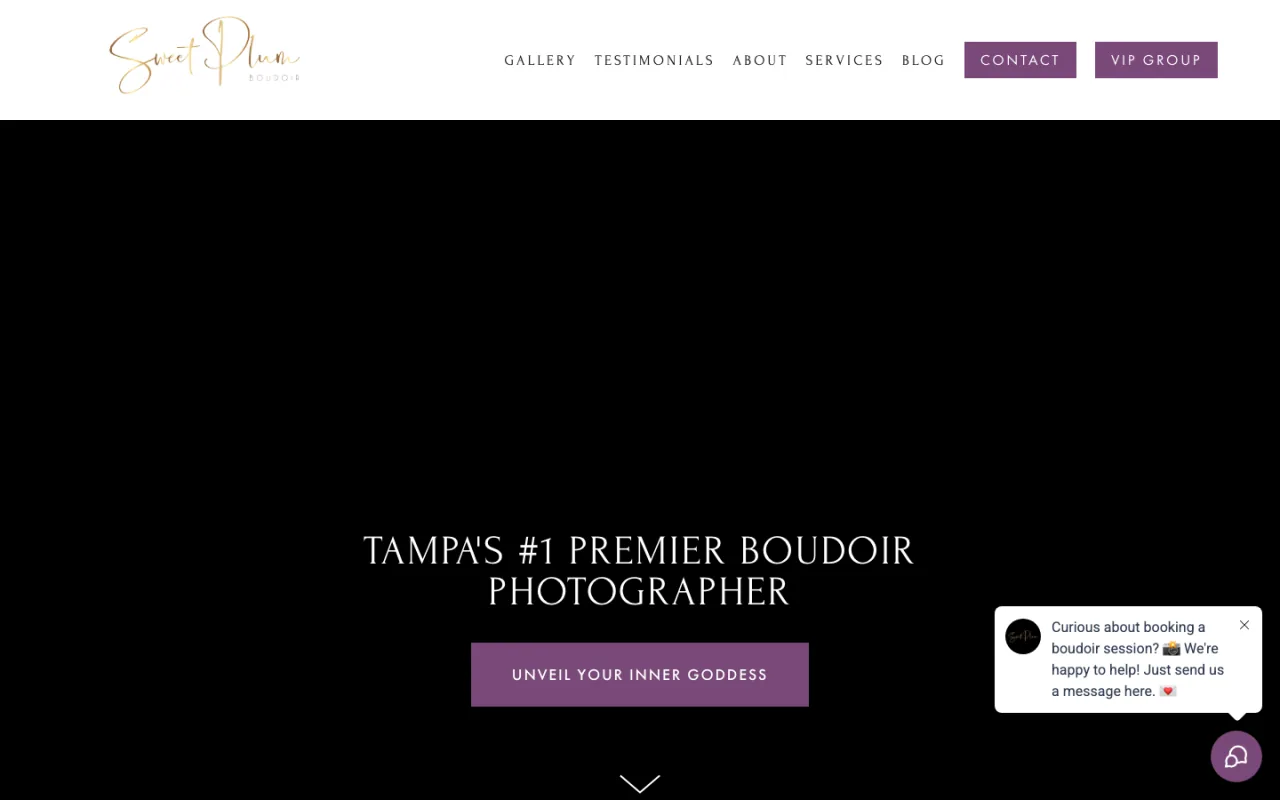
Sweet Plum Boudoir
A warm, direct Squarespace presentation that immediately introduces the experience.

Wix: best broad DIY feature set
Wix covers more use cases than many photographers realize. It offers a large template library, an app market, booking and commerce options, and both approachable and more advanced design tools. For a photographer who wants to own updates and expects to add common small-business features, it can be a practical choice.
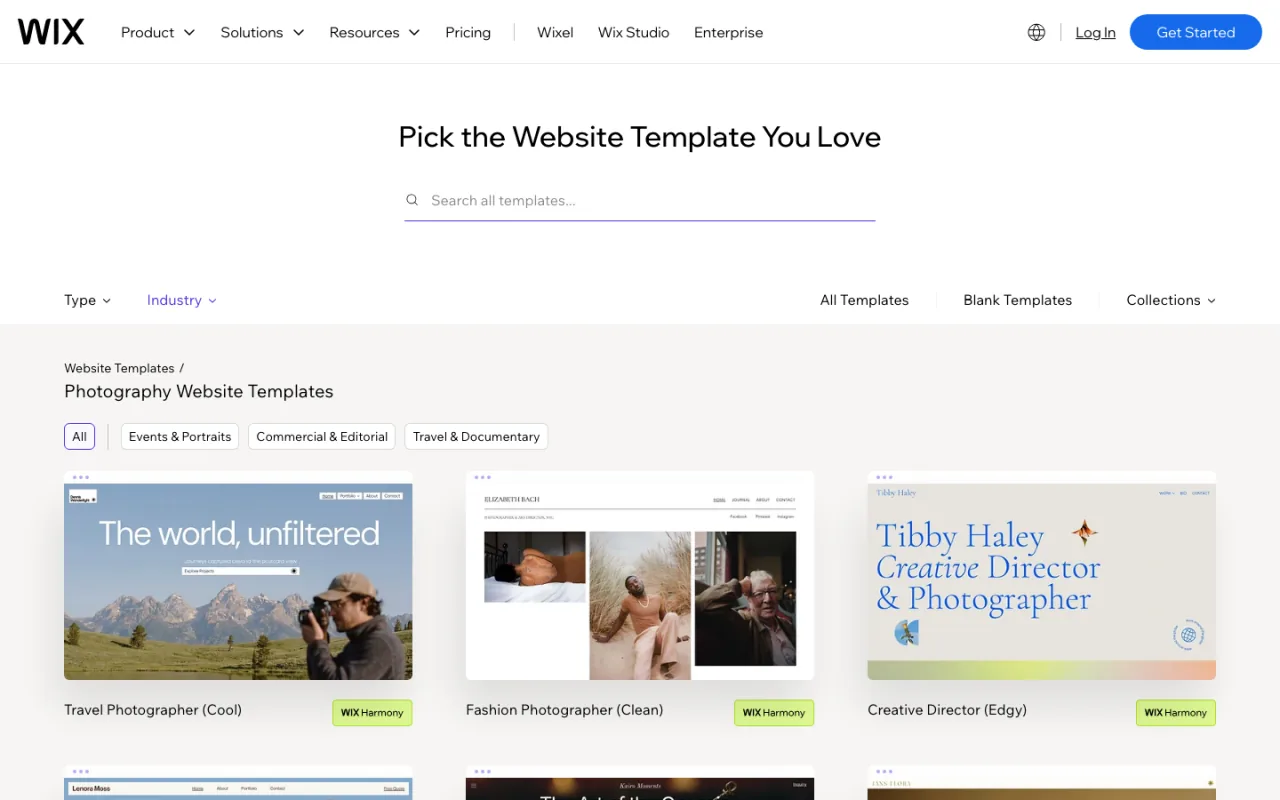
Wix’s official photography templates, captured July 17, 2026. U.S. annual plans were displayed from $17/mo Light, $29 Core, $39 Business, and $159 Business Elite; region and tax can change the displayed price. Verify current Wix plans.
Where it wins: range, approachable editing, and a large ecosystem. Where it can become difficult: the site can accumulate apps, editor-specific decisions, and several overlapping feature paths. That complexity matters when you want a team to ship the same funnel repeatedly with consistent tracking.
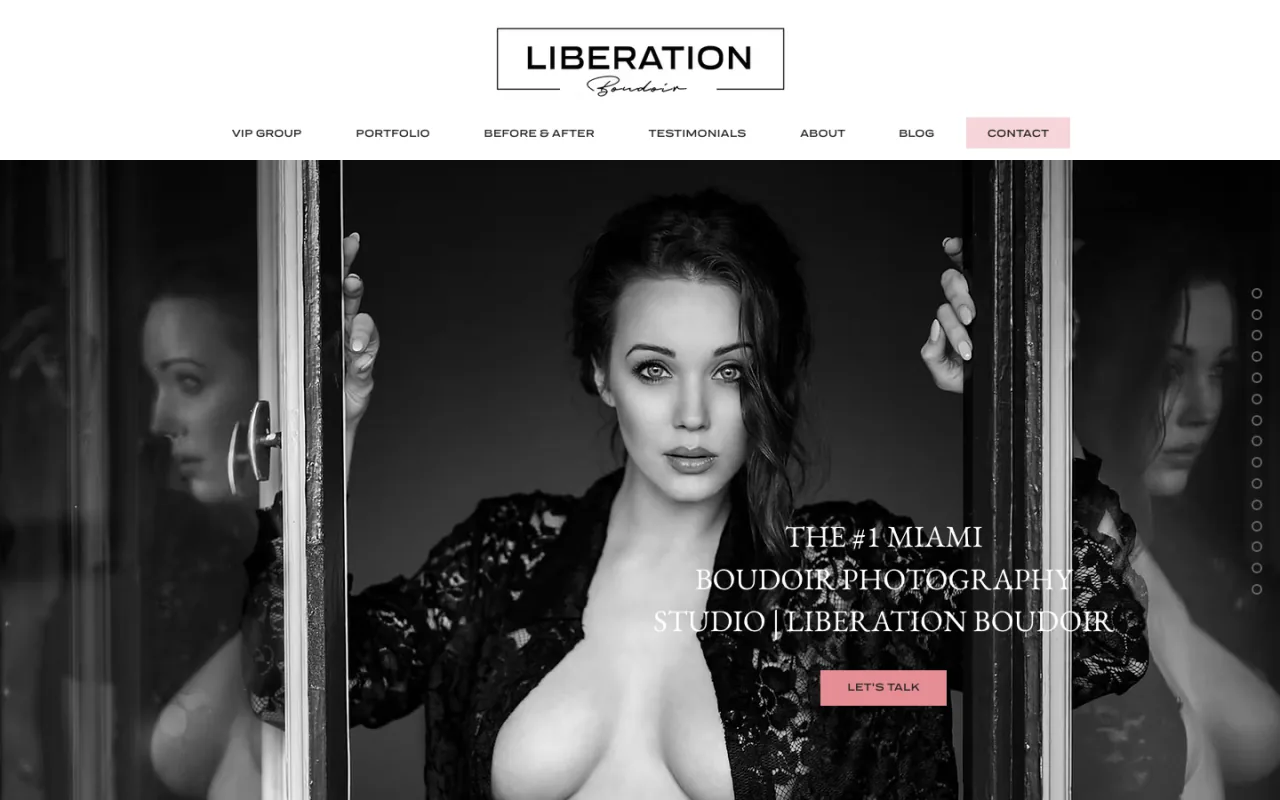
Liberation Boudoir is a live Wix example from P2P client work. It shows that Wix can support an emotionally specific, premium photography brand when the message and images are doing real work.
Best Open and Designer-Led Content Platforms
WordPress: best open ecosystem
WordPress remains the most open mainstream content choice in this list. The core software is free and supports extensive themes, plugins, custom post types, editorial workflows, and development options. For a photographer publishing many local pages, service guides, and educational articles, that flexibility can be valuable.
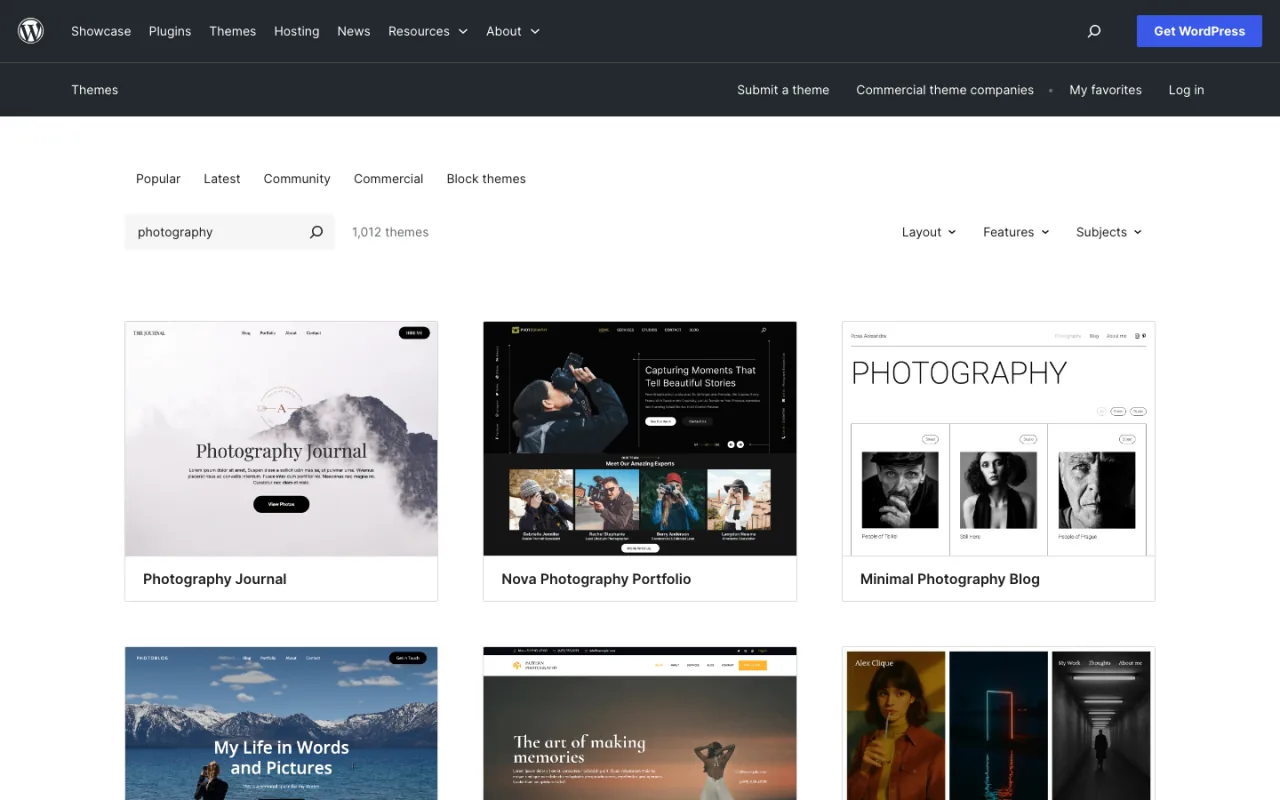
The official WordPress.org photography theme search, captured July 17, 2026. WordPress software is free, but the real budget includes hosting, theme or development work, premium plugins, security, backups, and maintenance. Review WordPress features.
Where it wins: ownership, editorial depth, portability, and a massive ecosystem. Where it loses: “WordPress can do anything” often becomes a pile of plugins no one owns. Updates, performance, security, and compatibility are part of the product whether they appear on the original invoice or not.
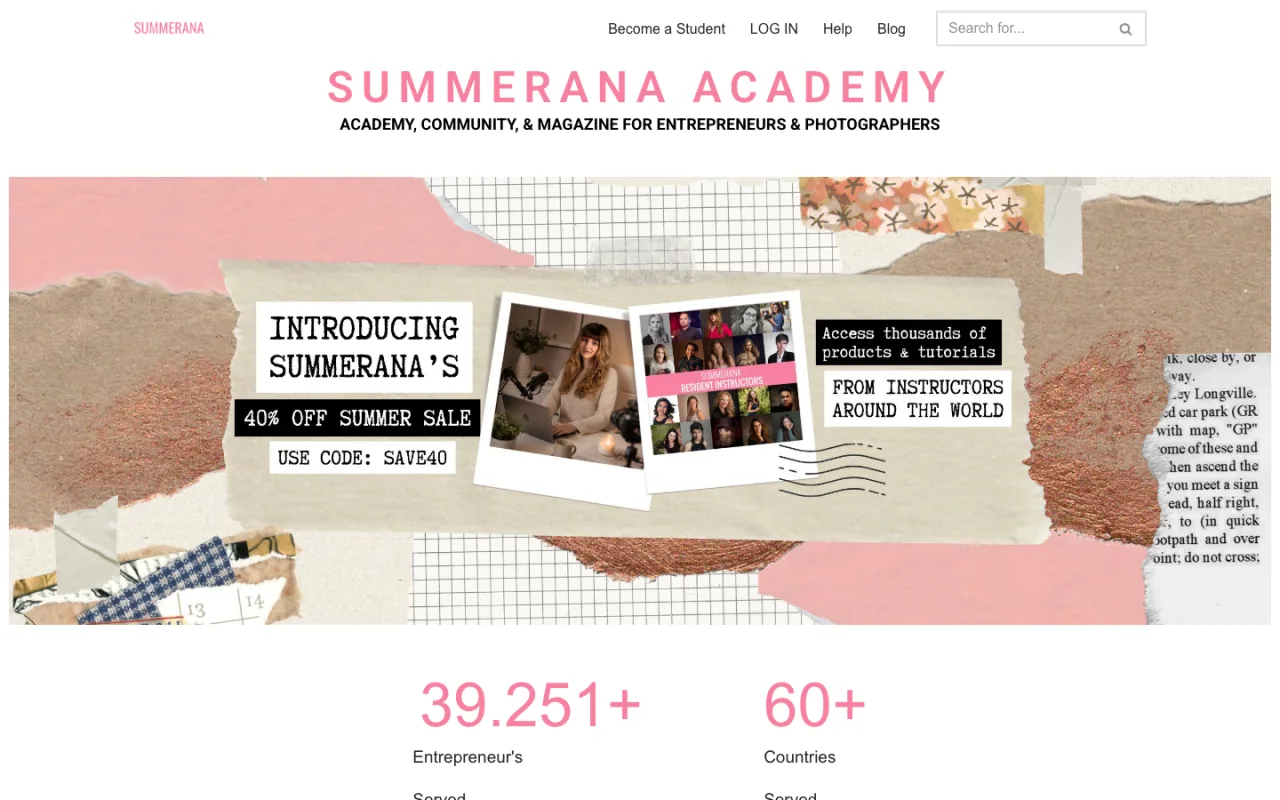
Summerana is a live WordPress example from P2P client work. Its resource-heavy model demonstrates why WordPress remains relevant when publishing and content organization are central.
Webflow: best for a designer-led structured build
Webflow gives visual designers more control over the underlying layout system than most beginner builders. A skilled implementer can build a polished responsive site with a structured CMS and fewer third-party plugins than a typical WordPress stack.
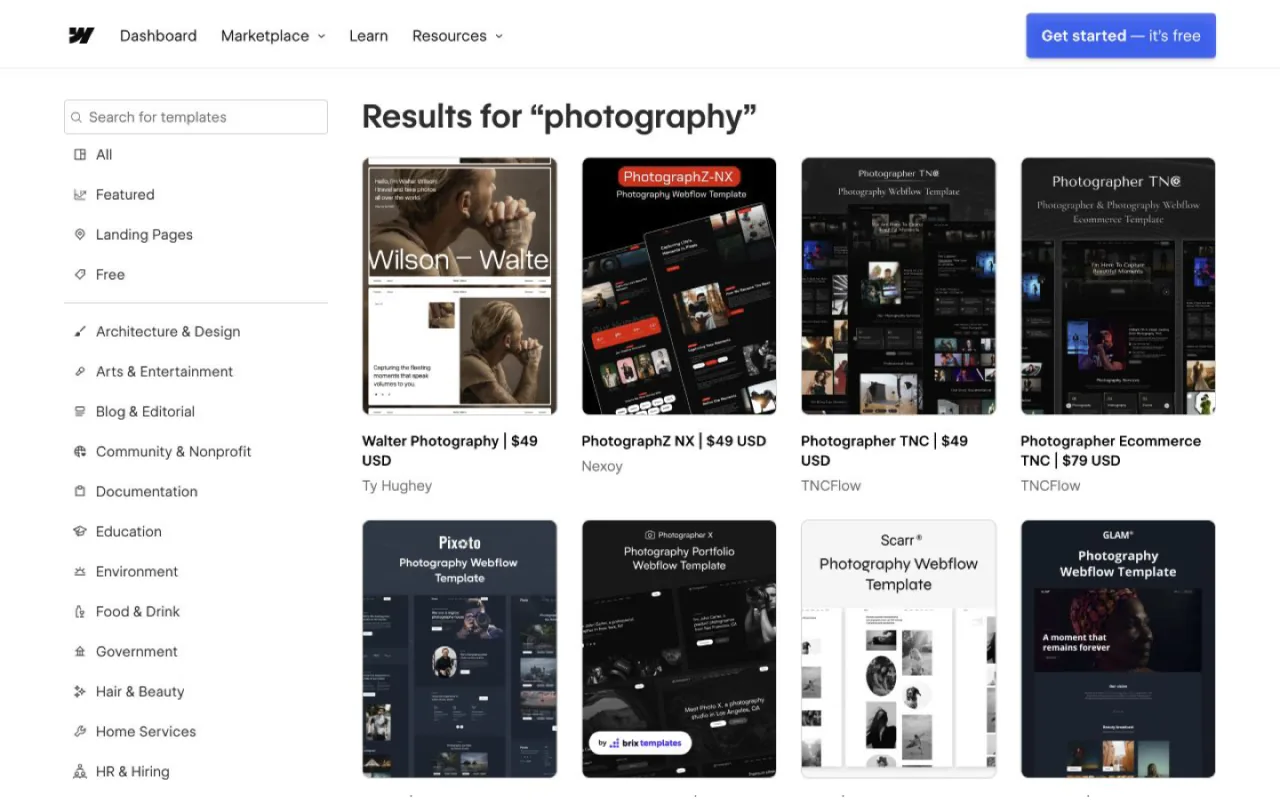
Webflow’s official photography template marketplace, captured July 17, 2026. Site plans included a free Starter and paid plans from $15/mo on annual billing, with plan names and limits changing in 2026. Verify current Webflow pricing.
Best fit: a studio hiring a Webflow designer or a design-capable owner who understands responsive systems. Main trade-off: the visual interface is more powerful because it exposes more web concepts; it is not the easiest beginner editor, and custom business logic still needs integrations or code.
ProPhoto: WordPress for photographers who want a managed path
ProPhoto packages WordPress hosting and a photographer-focused visual builder into a more guided service. It can make sense when you want WordPress’s content layer without piecing together every host, theme, and design tool yourself.
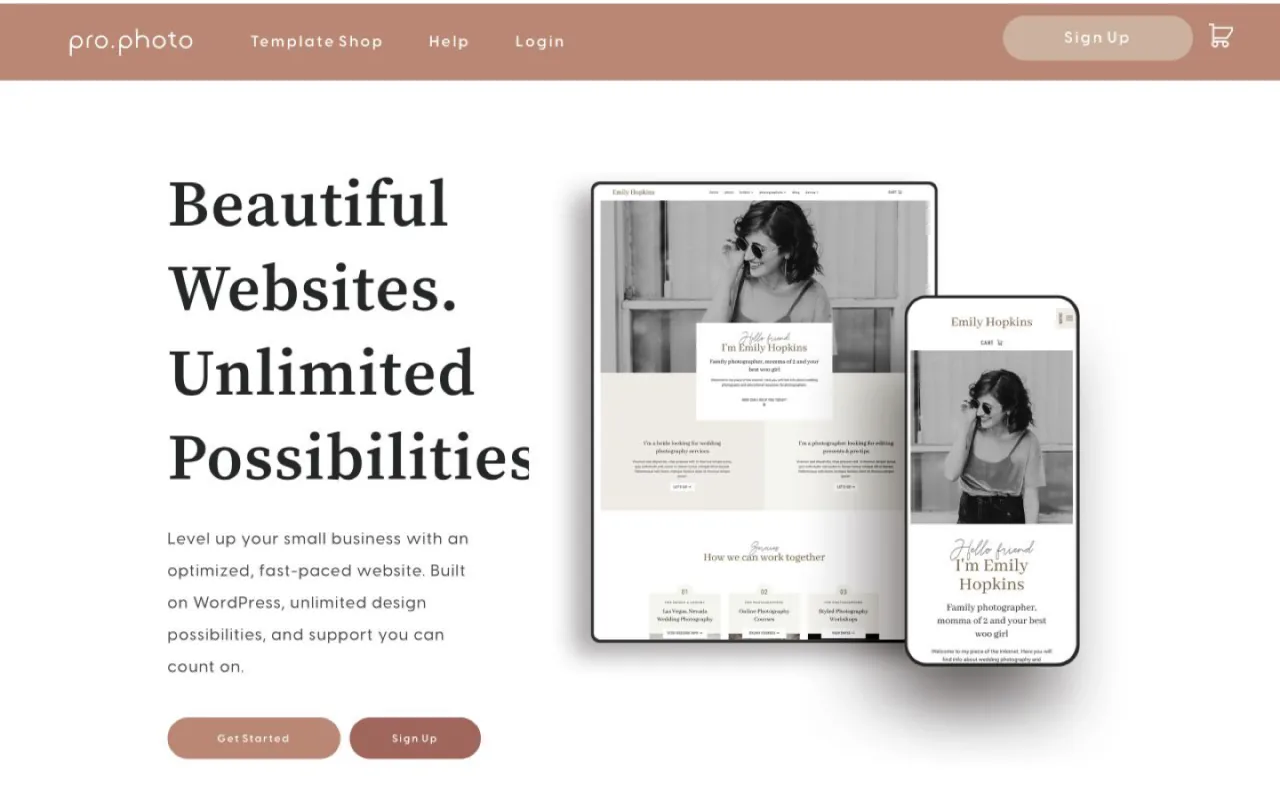
ProPhoto’s official homepage, captured July 17, 2026. Its offer displayed $25/mo for the first year with a promotion, then $39/mo. Verify the current ProPhoto offer and renewal terms.
Best fit: photographers who specifically want a WordPress-based system with a photography-oriented provider. Main trade-off: you are still choosing a particular builder and hosting workflow inside the wider WordPress world, so confirm migration and ownership expectations before committing.
Best Photographer-Specific All-in-One Website Builders
PhotoBiz: best for hands-on photographer support
PhotoBiz combines a website builder, hosting, ecommerce, proofing, forms, scheduling options, and photographer-focused support. Its clearest differentiator is not a trendy editor. It is an all-in-one company that understands the daily needs of a photography business.
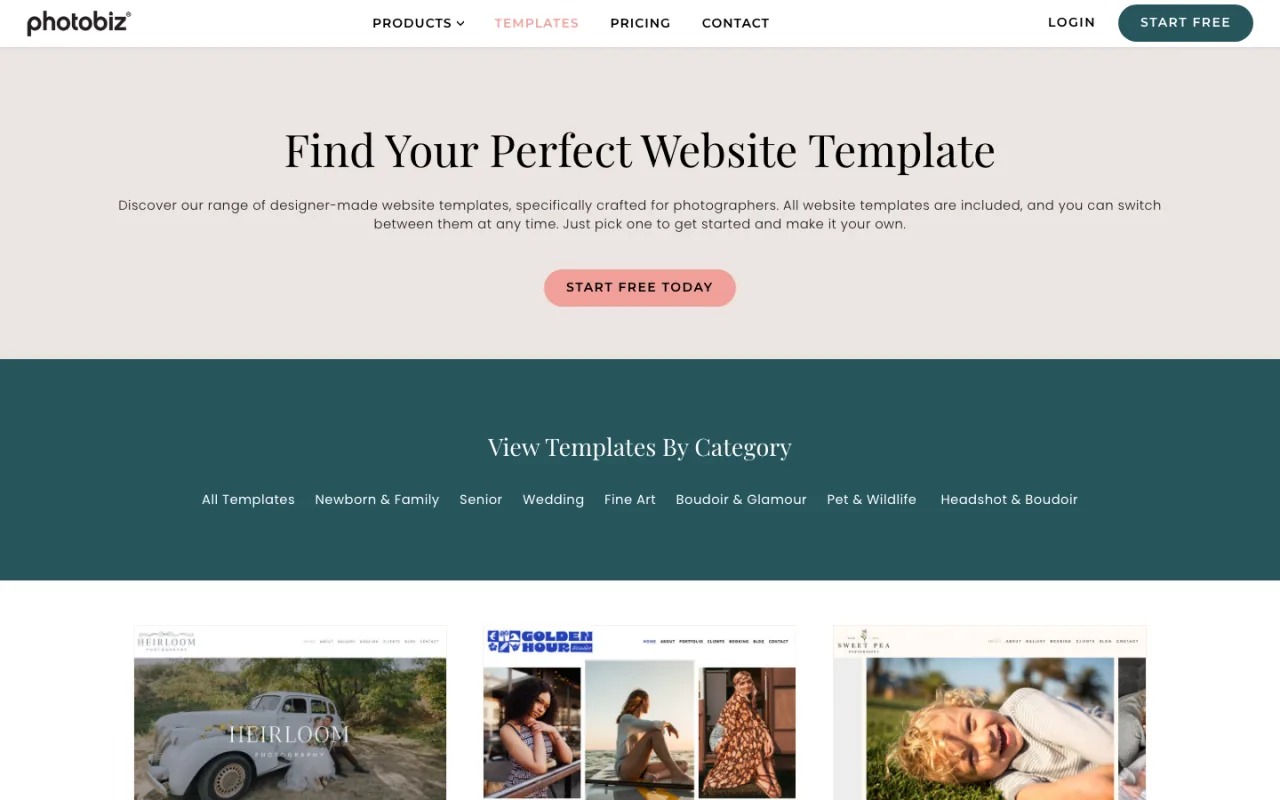
PhotoBiz’s official template gallery, captured July 17, 2026. Build-it-yourself pricing was $29/mo with the first month free; its “we build it for you” service added a $600 one-time fee. Verify current PhotoBiz pricing.
Where it wins: photographer-specific support and a consolidated toolkit. Where it may fall short: a smaller design and integration ecosystem than the largest general-purpose platforms. It deserves a serious look for owners who value support more than endless customization.
Pixieset: best gallery-first website ecosystem
Pixieset is one of the best-known client gallery systems, and its Website product is attractive when you want the public site, galleries, store, studio tools, and delivery experience under one brand. If the post-session client experience is the center of your software decision, start here.
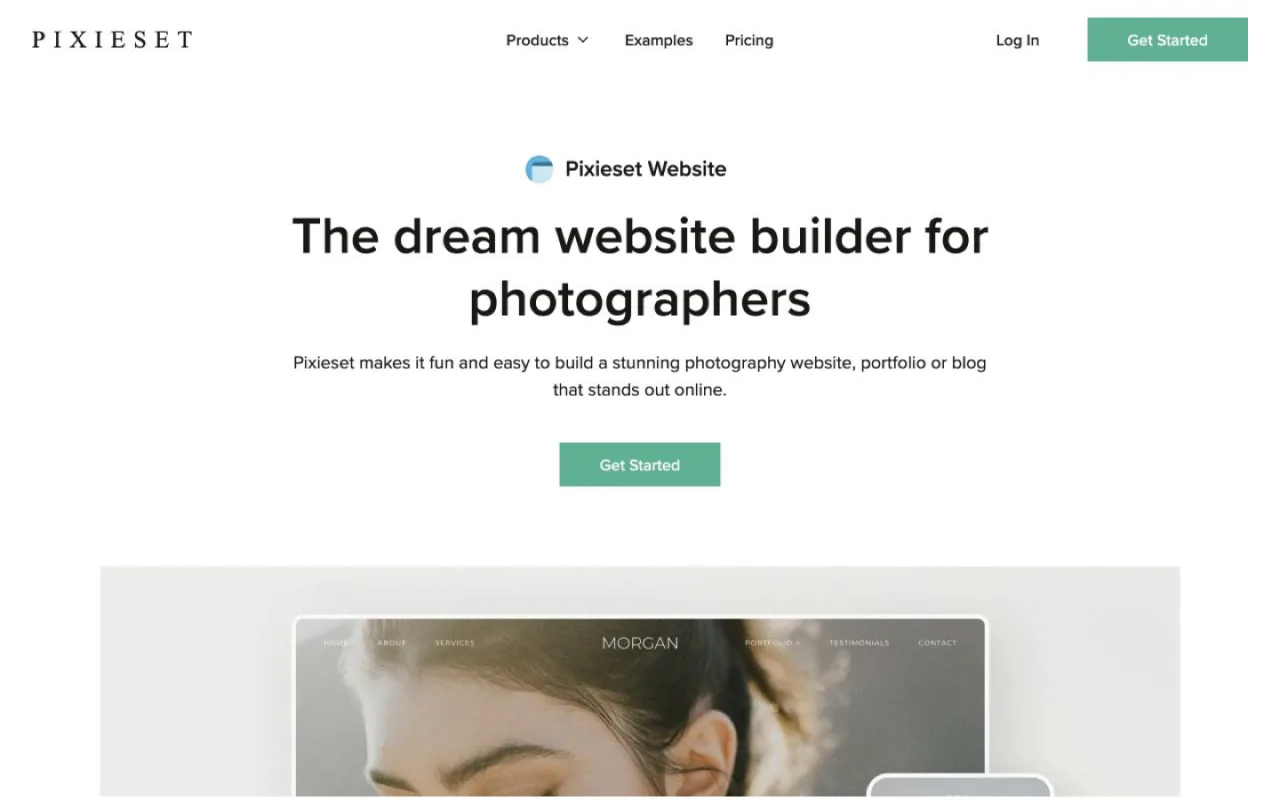
Pixieset Website’s official page, captured July 17, 2026. Website plans included Free, Plus at $12/mo annual or $15 monthly, and Pro at $18/mo annual or $24 monthly; Suite pricing started at $28/mo annual. Verify Pixieset Website pricing.
Where it wins: galleries, delivery, an integrated store, and a low-friction ecosystem for working photographers. Where it is less ideal: a studio treating its website as a deeply customized acquisition and data system may outgrow the marketing-site controls before it outgrows the gallery tools. You can keep Pixieset for delivery and use another platform for lead generation.
Format: best simple portfolio workflow
Format is focused on creative portfolios. It is a clean choice for a photographer who wants to organize work, publish quickly, and avoid managing a broad small-business platform.
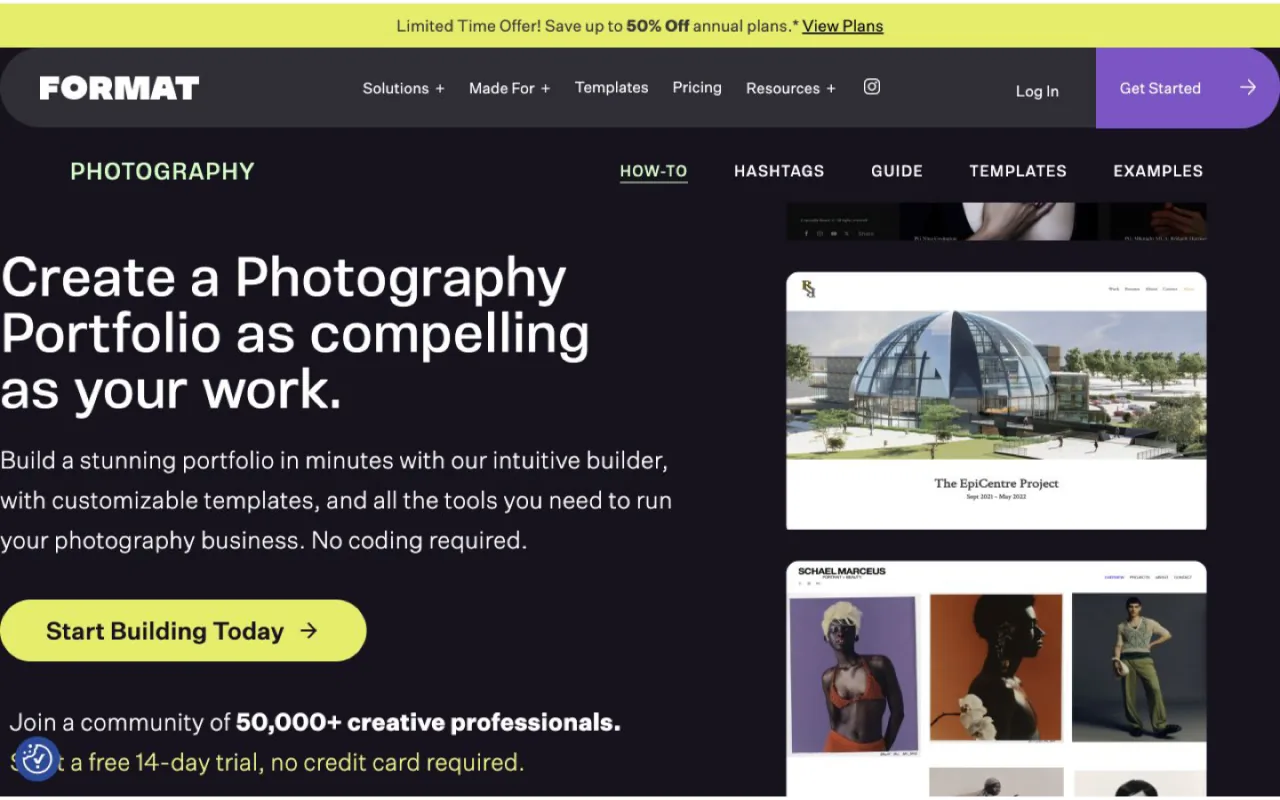
Format’s official photography website page, captured July 17, 2026. Annual plans were displayed at $10/mo Basic, $12 Pro, and $15 Pro Plus; monthly billing was $14, $24, and $36. Verify current Format pricing.
Where it wins: portfolio simplicity and creative-industry focus. Where it becomes thin: it is not designed to be an endlessly extensible funnel, CRM, attribution, and internal reporting system. Pick it because you value a focused portfolio workflow, not because you expect it to become custom software later.
Pixpa: best low-cost portfolio all-in-one
Pixpa competes on value: portfolio templates, galleries, ecommerce, and common creative-business features at a relatively low list price. It is worth comparing with Format and Pixieset when budget matters and the website’s needs are conventional.

Pixpa’s official website, captured July 17, 2026. List pricing was displayed at $9 Basic, $15 Creator, $20 Professional, and $25 Advanced per month. Introductory promotions can renew at different rates, so compare the checkout and renewal price, not only the headline. Verify current Pixpa pricing.
Where it wins: an accessible price and a broad creative portfolio package. Where to be cautious: confirm storage, gallery, commerce, contributor, and renewal limits for the exact plan you need. The cheapest headline tier is only a bargain if it supports the operating reality of the studio.
HighLevel: Good CRM, Poor Photographer Website Builder
HighLevel is useful for CRM, pipelines, calendars, forms, automation, conversations, and follow-up. We do not recommend its page builder for a photographer’s flagship public website. The editing experience and output are acceptable for utilitarian funnels, but they are a weak foundation for the kind of polished, highly controlled brand experience a premium studio should own.
Official pricing listed Starter at $97/mo or $970/year, Unlimited at $297/mo or $2,970/year, and Agency Pro at $497/mo or $4,970/year on July 17, 2026; usage-based services and add-ons can cost extra. Verify current HighLevel pricing.
Where it wins: lead capture, calendar, pipeline, follow-up, and reporting can share one operational system. Where it loses: the website builder is rigid, easy to make generic, and slower to standardize as a premium component system. A useful architecture is a custom React/Next.js marketing website connected directly to HighLevel behind the scenes. That preserves the CRM value without forcing the public site into HighLevel’s builder, and supported APIs or webhooks can remove unnecessary Zapier handoffs.
Best Gallery, Delivery, and Print-Sales Platforms
A client gallery and a marketing website solve different problems. The marketing site earns attention and inquiries; the gallery delivers images, collects favorites, sells products, and supports the client after the session. Many established studios should intentionally use two tools instead of forcing one platform to be excellent at both jobs.
SmugMug: best mature photo hosting and commerce
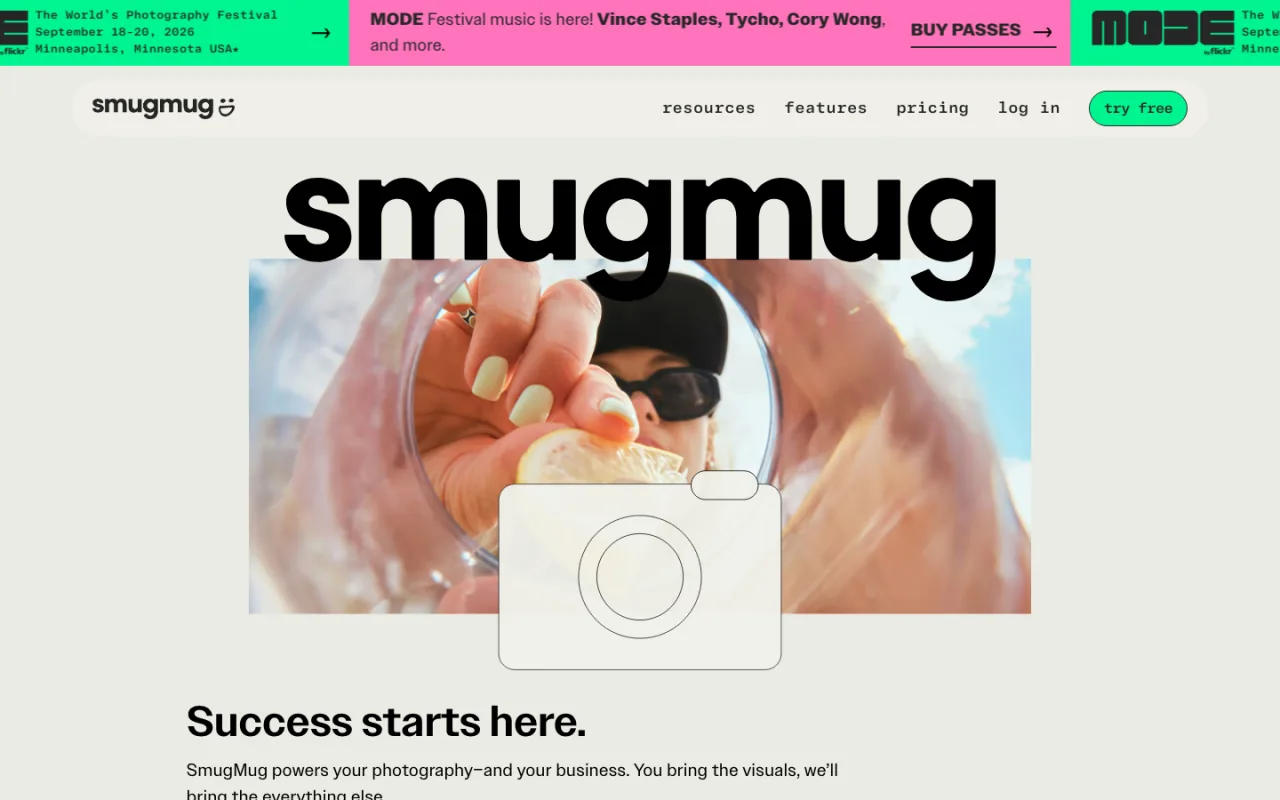
SmugMug’s official homepage, captured July 17, 2026. Annual-billing monthly equivalents were displayed at $20 Direct, $23.50 Portfolio, and $37 Pro. Verify current SmugMug plans.
SmugMug is strongest when durable photo storage, galleries, privacy controls, and selling prints matter. Its marketing pages can be enough for a portfolio-led business, but studios running advanced local content and campaign funnels may pair it with a separate public site.
Zenfolio: best gallery and proofing bundle
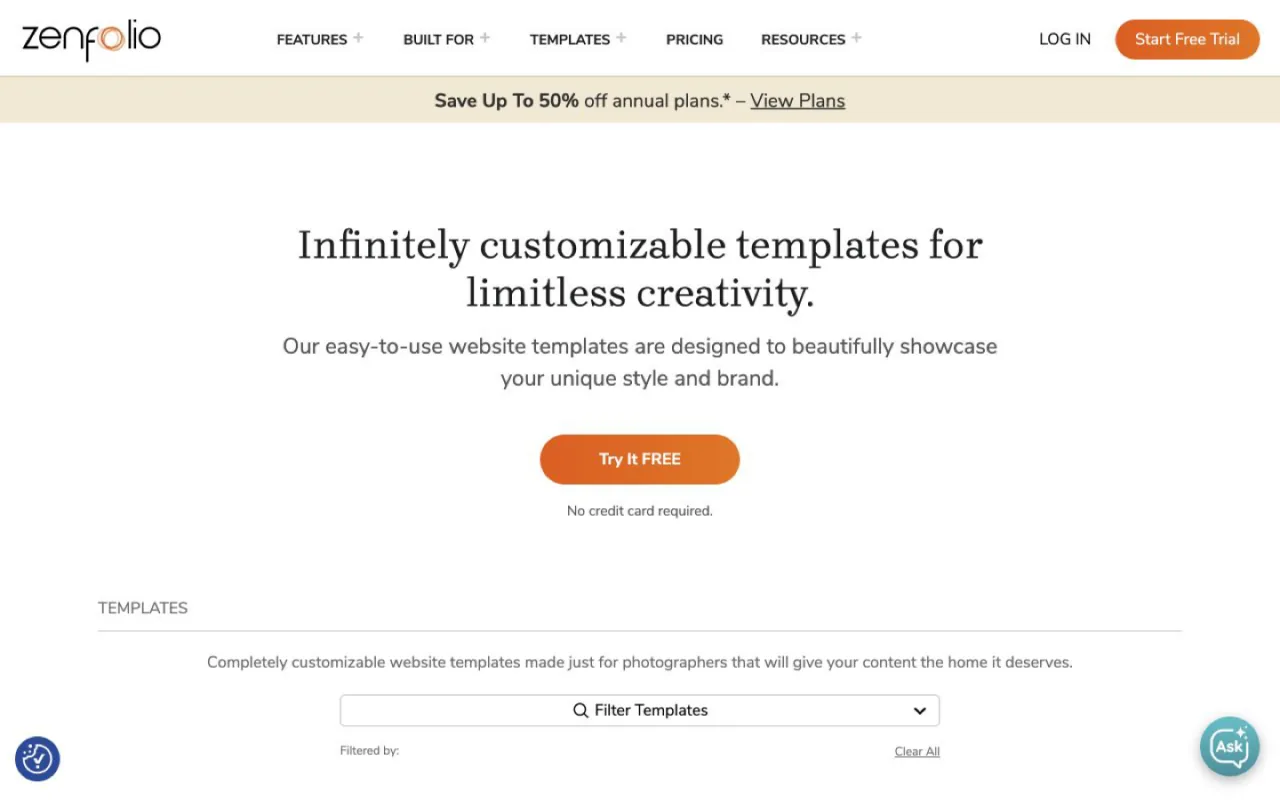
Zenfolio’s official website templates, captured July 17, 2026. Annual-billing monthly equivalents were displayed at $7 Portfolio, $11.50 PortfolioPlus, and $20 ProSuite. Verify current Zenfolio plans and limits.
Zenfolio combines a public site with galleries, proofing, ecommerce, and workflow tools. It is a credible option for a photographer who wants one photography-specific account and does not need a highly custom acquisition system.
Pic-Time: best gallery experience and sales automation
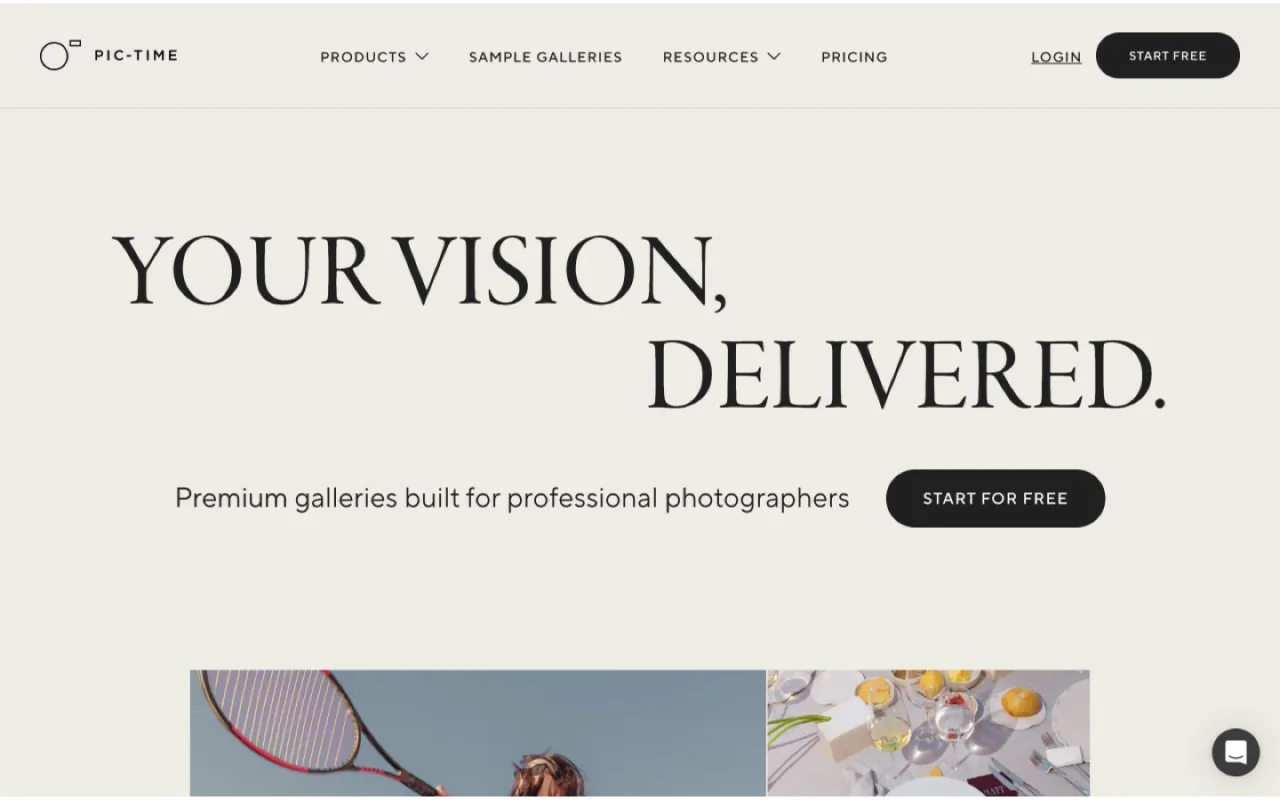
Pic-Time’s official homepage, captured July 17, 2026. Client Delivery Suite plans included Free, Beginner at $7/mo annual or $8 monthly, Professional at $21/$25, and Advanced at $42/$50. Verify current Pic-Time pricing.
Pic-Time is known for polished gallery delivery, storefront tools, and automated sales campaigns. Treat it as a strong post-session sales and client-experience layer, then separately judge whether its website options meet your lead-generation needs.
PhotoDeck: best for photographers selling and licensing images
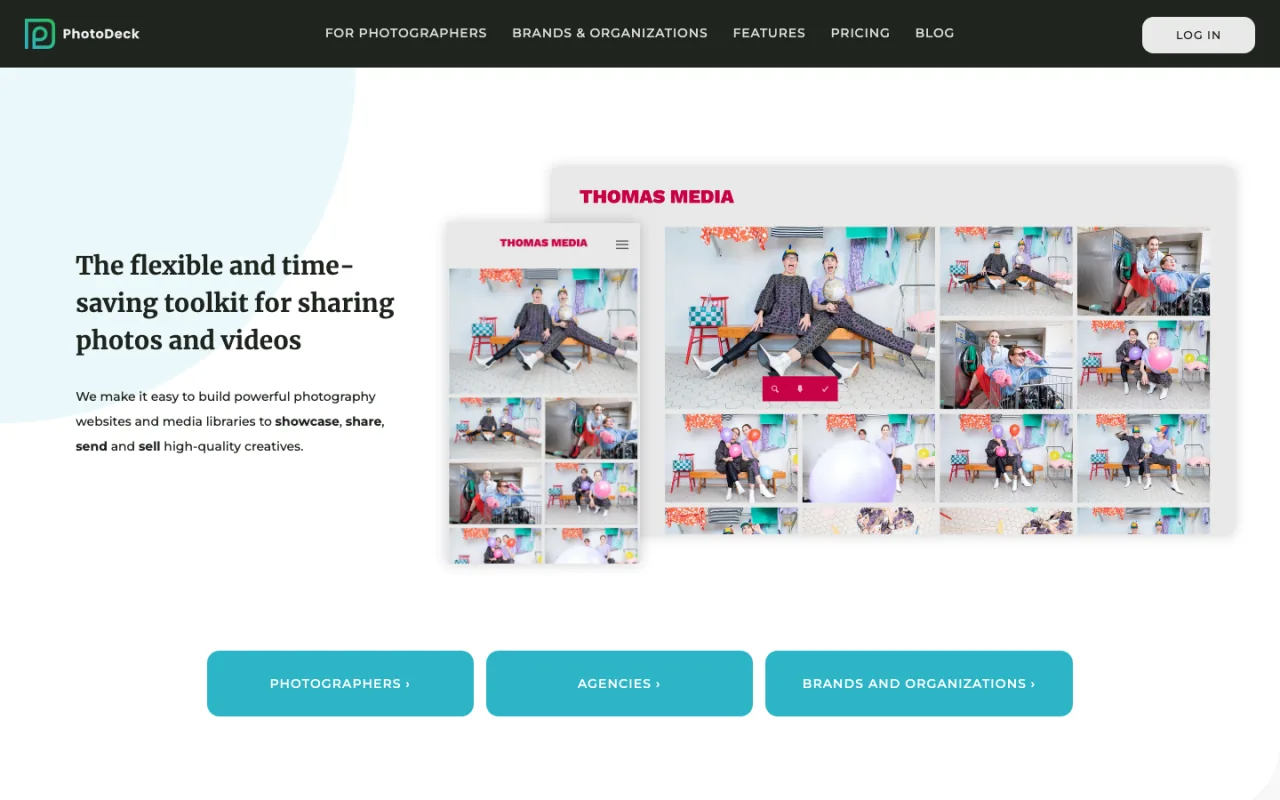
PhotoDeck’s official homepage, captured July 17, 2026. Pricing was displayed from $12/mo annual for Essential, $25 Standard, and about $45 Business, with billing-term differences. Verify current PhotoDeck plans.
PhotoDeck deserves special attention from commercial, event, fine-art, and stock photographers who care about secure delivery, ecommerce, or licensing, not only a portrait inquiry form. Its specialist capabilities may matter more than access to a trendy template marketplace.
CloudSpot: best approachable gallery delivery companion
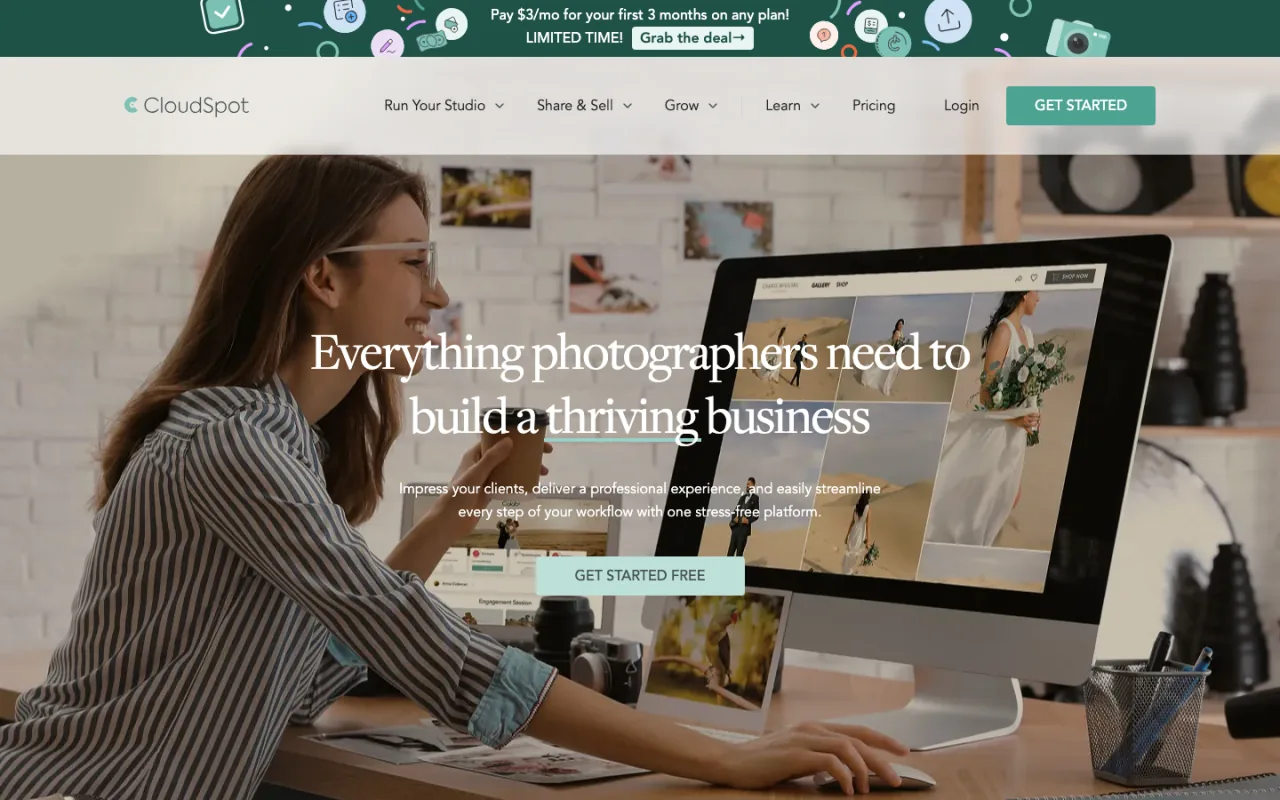
CloudSpot’s official homepage, captured July 17, 2026. It offers a free gallery plan and changing paid promotions; because the displayed deals and renewal terms can vary, confirm the final checkout before publishing a budget. Verify current CloudSpot pricing.
CloudSpot focuses on gallery delivery, mobile apps, contracts, invoices, and studio workflow. It is a friendly companion for client delivery, but compare its public website depth separately from its gallery experience.
Best Budget Portfolio Alternatives
Adobe Portfolio: best if you already pay for Creative Cloud
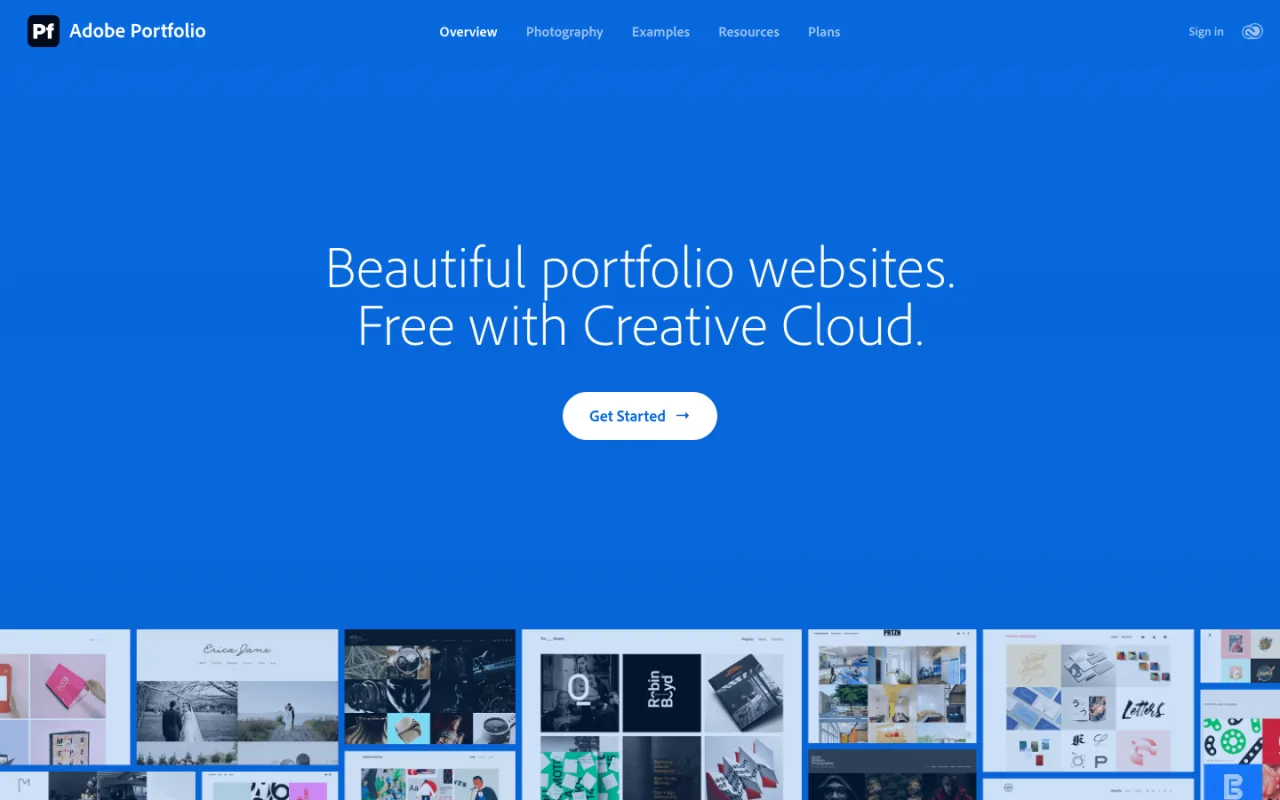
Adobe Portfolio’s official homepage, captured July 17, 2026. Portfolio is included with eligible Creative Cloud plans, with access advertised from about $9.99/mo depending on the plan. Check current Adobe Portfolio access.
Adobe Portfolio is a low-friction way to publish work when you already pay for Lightroom or a Creative Cloud photography plan. It is best viewed as a clean portfolio presence, not as a full conversion, funnel, CRM, and reporting stack.
22Slides: best intentionally simple photographer website
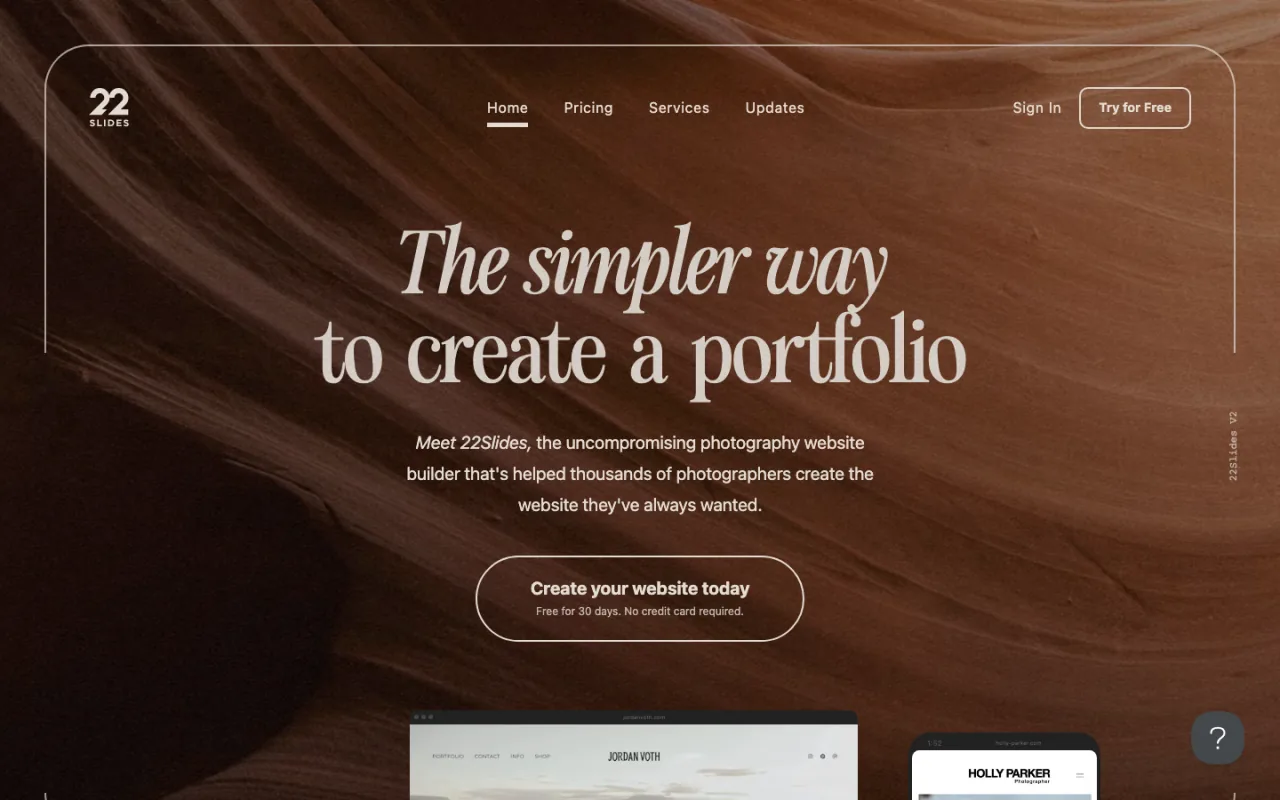
22Slides’ official homepage, captured July 17, 2026. The service has historically emphasized a simple photographer website around the $10/mo annual range; verify the current checkout because plan presentation can change. Check current 22Slides pricing and features.
22Slides is compelling precisely because it does not pretend to be everything. Choose it when you want an elegant, simple portfolio and do not need a complex operating system behind it. That focus is a benefit for the right photographer and a ceiling for a studio building multiple acquisition funnels.
How to Choose a Photography Website Builder
Whichever platform you choose, ranking on Google is its own project. Our complete SEO guide for photographers shows what to do after launch.
1. Define the website’s primary business job
Write one sentence: “The website must help us ______.” If the answer is “show a portfolio,” Format, Adobe Portfolio, 22Slides, or Squarespace may be enough. If it is “deliver and sell galleries,” start with Pixieset, Pic-Time, SmugMug, Zenfolio, CloudSpot, or PhotoDeck. If it is “generate and measure qualified inquiries across several campaigns,” start with a custom build or a deliberately integrated website-to-CRM stack.
2. Score the complete inquiry path, not just the homepage
A beautiful hero does not rescue a weak conversion path. Inspect where the call to action appears, how the form works on mobile, where the lead is stored, what follow-up starts, how a scheduler is connected, and whether the studio can tell which campaign produced a booked client. Our guide to photography website mistakes that kill bookings explains the gaps we see most often.
3. Separate editing convenience from shipping speed
A drag-and-drop editor feels fast for the first page because every control is visible. It may become slower when you must rebuild the same campaign page, reconnect the same form, reapply mobile spacing, and recheck tracking every time. A component-based custom site takes more expertise to establish but can become much faster once the approved primitives exist.
4. Price the stack, not the subscription
Include the website plan, templates, gallery tool, email or CRM, calendar, forms, automation, plugins, hosting, maintenance, developer support, analytics, and the labor required to keep it all connected. A $15 builder plus six subscriptions and hours of manual work can cost more than a higher-priced integrated solution.
5. Decide who will own technical quality
Every platform needs an owner. On Squarespace or Showit, that may be the photographer. On WordPress, it may be a developer responsible for updates and security. On a P2P Custom Build, our team owns the managed implementation. The dangerous choice is not any particular builder. It is a site no one is accountable for maintaining.
6. Evaluate SEO and AEO without magical claims
No platform automatically ranks a photographer. Search visibility requires useful pages, local relevance, crawlable content, strong information architecture, internal links, reputation, links from other sites, and a business that satisfies searchers. Google’s current guidance says AI search features do not require a separate secret optimization layer beyond normal eligibility and quality fundamentals. Read Google’s AI features guidance and our practical guide to AEO for photographers.
Custom Next.js and well-maintained WordPress sites provide deeper technical control. Hosted builders can still rank when the content and business are strong. The practical advantage of the custom route is the freedom to implement the right structure, data, performance work, and machine-readable resources without waiting on a product roadmap.
When Should a Photographer Migrate?
Do not migrate because another platform is fashionable. Migrate when the current system creates a measurable operational problem:
- You cannot launch campaign pages without rebuilding the same work for hours.
- Leads are disappearing into email, spreadsheets, or disconnected forms.
- The CRM, calendar, and website require brittle manual or Zapier handoffs.
- You cannot trace a qualified inquiry back to a channel or landing page.
- The content structure cannot support the services and locations you need to publish.
- The site is slow or unstable because no one owns the theme, plugins, or apps.
- A needed feature is blocked by the vendor roadmap with no credible delivery date.
A safe migration preserves URLs, maps redirects, keeps metadata and structured content, validates forms and tracking, and tests the branded domain before launch. It should also separate the marketing site from the gallery if those systems have different jobs. Replatforming without that inventory can erase years of links and search equity.
Our Verdict
Choose a Photography to Profits Custom React/Next.js Build when the website is a growth system: you need multiple funnels, direct integrations, better conversion measurement, custom reporting, rapid iteration, or capabilities that should follow your business instead of a generic platform roadmap.
Choose Showit when you want the strongest visual DIY canvas. Choose Squarespace when you want the simplest credible starter. Choose Wix when you want a broad DIY feature set. Choose WordPress when open content flexibility matters and someone will truly maintain it. Choose Pixieset, Pic-Time, SmugMug, Zenfolio, CloudSpot, or PhotoDeck when the gallery and client-delivery job is the deciding factor.
The platform is only the container. A photography website earns its keep when the right person understands the offer, trusts the studio, takes the next step, enters a reliable follow-up system, and can eventually be tied back to revenue.